Taking out a quick mobile loan can be a lifesaver when you are facing an urgent financial emergency. However, many digital lending platforms request broad access to your smartphone’s data during installation. For many borrowers, the biggest privacy concern is how these apps handle data, particularly when aggressive collection tactics lead to contact harassment and reputational harm. How to block loan apps from accessing contacts.
If you are worried about your data privacy, you do not have to leave your personal information exposed. You can take back control of your phone.
Here is a complete, step-by-step guide on how to block loan apps from accessing contacts on both Android and iOS devices, along with how to shield your digital footprint from predatory data extraction.
Understanding the Risk: Why Do Loan Apps Want Your Contacts?
When you install a digital lending application, the software often asks for a bundle of permissions, including access to your contacts, SMS logs, location, and gallery. Under the hood, many apps utilize automated credit-scoring algorithms to extract this behavioral data.
While legitimate, fully compliant platforms use this data strictly for identity verification and risk assessment, unapproved or rogue applications may abuse these permissions. If a borrower defaults or delays a payment, predatory apps have been known to bypass standard collection procedures, scraping the user’s contact list to send defamatory messages or make threatening phone calls to family, friends, and co-workers.
Recognizing these privacy violations, regulatory bodies like Nigeria’s Federal Competition and Consumer Protection Commission (FCCPC) and global platforms like Google have enacted strict policies explicitly banning apps from accessing sensitive smartphone permissions like contacts and precise location for consumer lending. Despite these rules, protecting your own device remains your best immediate line of defense.
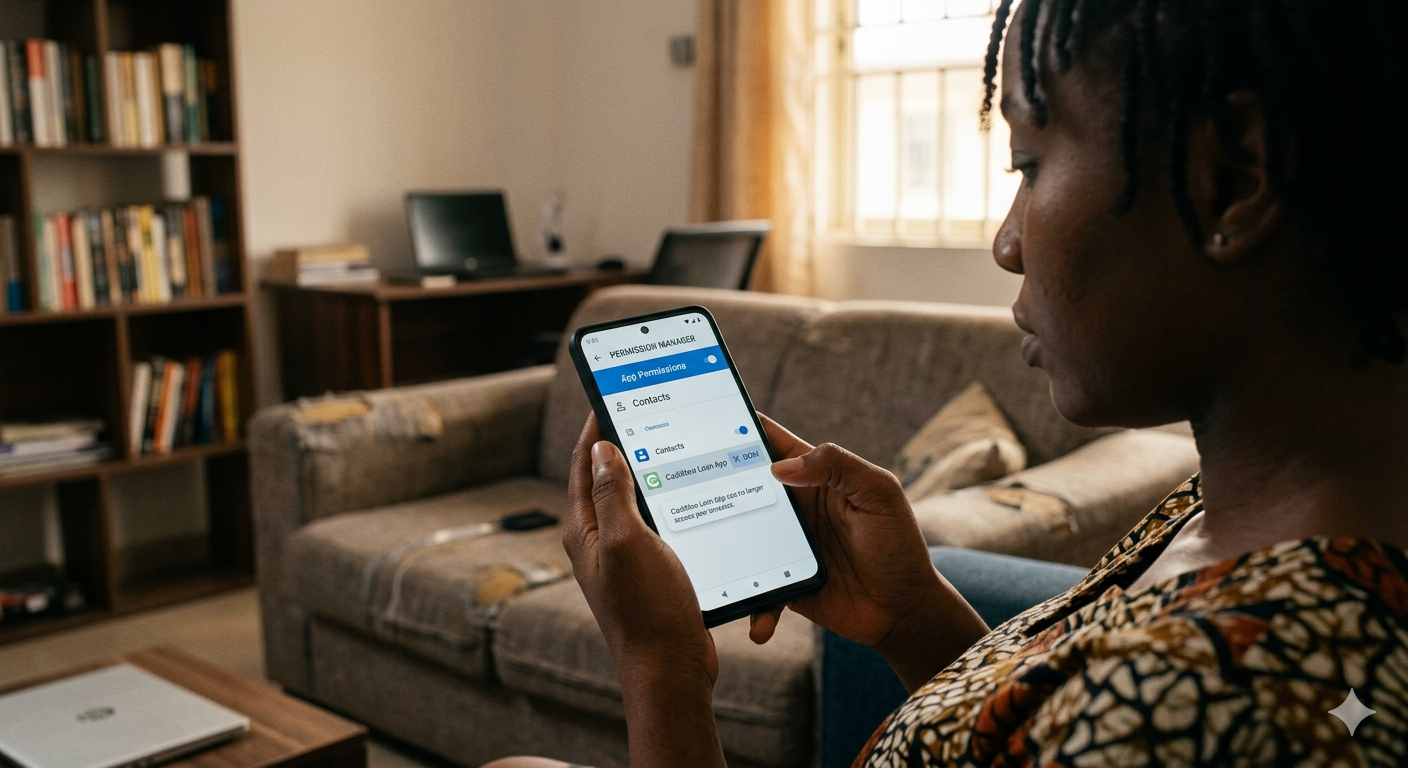
How to Block Loan Apps From Accessing Contacts on Android
Because Android handles app permissions dynamically, you can easily cut off an app’s access to your address book at any time without deleting the app entirely.
How to Block Loan Apps From Accessing Contacts on iPhone (iOS)
Apple’s iOS environment handles data privacy strictly, making it simple to audit which applications can view your address book.
-
Step 1: Open the Settings app on your iPhone.
-
Step 2: Scroll down past the main system settings until you reach the alphabetical list of your installed applications.
-
Step 3: Locate and tap on the loan application you want to manage.
-
Step 4: Look for the toggle switch next to Contacts.
-
Step 5: Flip the toggle switch to Off (greyed out). The app can no longer read your contact data.
Pro Tip: Alternatively, you can go to Settings > Privacy & Security > Contacts. This displays a master list of every application that has requested permission to view your address book, allowing you to turn off access for multiple apps in one place. how to block loan apps from accessing contacts.
What Happens After You Block Contact Permissions?
Once you change these settings, the application is instantly cut off from your phone’s contact database. If the app attempts to scan your address book in the background, the operating system will return a blank response or prompt a system error.
However, keep in mind: blocking permissions only stops the app from harvesting new data. If you granted contact access when you first installed the application, the provider may have already uploaded your existing contact list to their external cloud servers. If you are dealing with a licensed lender, they are legally bound by data privacy laws to secure or delete that data upon request. If you are dealing with an illegal, unregistered app, changing permissions prevents it from tracking any new contacts you add to your phone moving forward.
3 Additional Steps to Protect Your Digital Privacy
If you want to ensure total privacy while utilizing fintech lending services, consider implementing these additional security habits:
1. Check for FCCPC and CBN Approval
Before downloading any financial app, verify that the developer is officially licensed. In Nigeria, the FCCPC maintains an active registry of approved digital lending companies. Licensed platforms like OKash, FairMoney, and Moniepoint operate under strict regulatory oversight, meaning they face severe penalties, fines, or operational shutdowns if they engage in unauthorized data invasion or character defamation.
2. Audit Your Permissions Regularly
Make it a habit to audit your smartphone’s privacy dashboard once a month. Ensure that food delivery, entertainment, or basic utility apps don’t have lingering access to your location, microphone, or address book.
3. Report Unethical Lenders
If a digital lender accesses your contacts without permission or uses your data to harass people in your network, you can take administrative action. Document the interactions and file an official complaint with the FCCPC or data protection authorities. Copying regulatory agencies on enforcement correspondence has proven highly effective at making predatory platforms halt illicit collection practices. How to block loan apps from accessing contacts.